Settings
Settei 設定
Settei means settings.
Settings that apply as you change them.
- Generic name
- Settings
- Command
aizome-settei- App ID
org.aizome.Settei
Panes
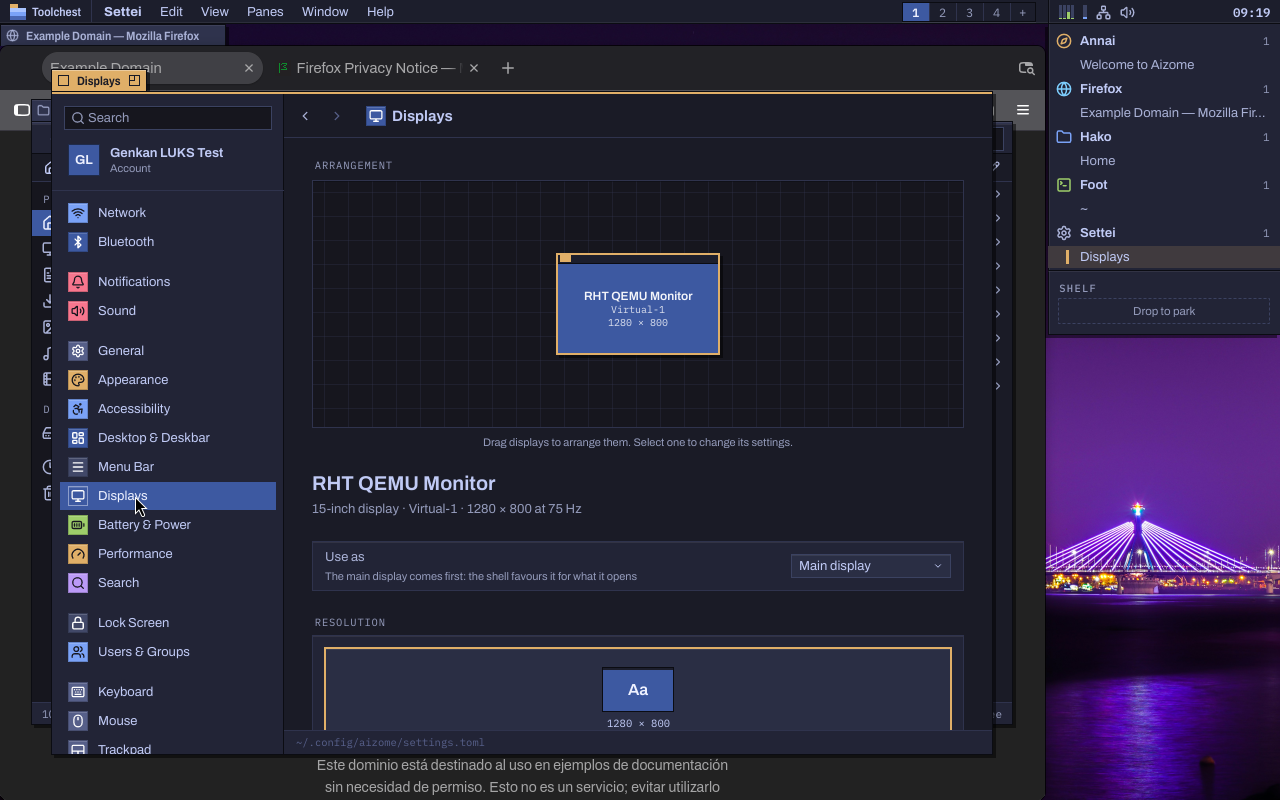
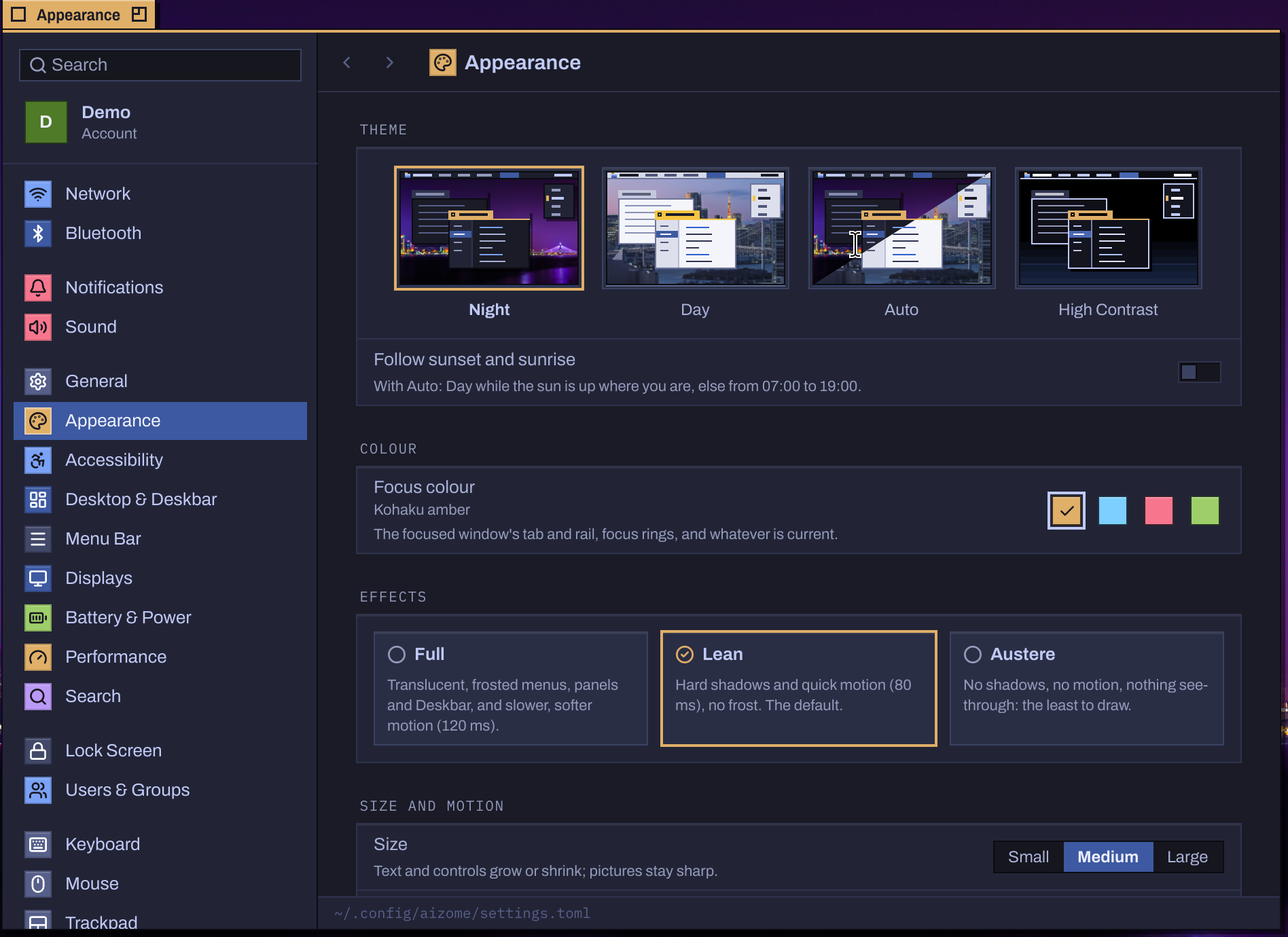
A sidebar with a search field, your account's card and the panes in groups, each with its glyph on a small dyed tile; the pane you pick on the right, as a form. Changes reach the system as soon as you make them.
- Network: Wi-Fi, wired, VPN and WireGuard; joining with a password or by a hidden network's name; each connection's IPv4, IPv6, DNS, metering and private hardware address; airplane mode and a hotspot.
- Bluetooth: nearby and paired devices, pairing with passkey confirmation, connecting, and their batteries.
- Sound: outputs and inputs with volume, balance and mute, a level meter for the microphone, per-app volumes and the alert sound.
- Displays: arrange them by dragging; resolution and refresh; integer scales, with fractional ones when you want them; rotation, mirroring and Night Light. A change that could leave a screen blank undoes itself after 15 seconds unless you keep it.
- Appearance: Night, Day, Auto by sunset and sunrise, and High Contrast; the focus colour (amber, cyan, rose, lime); the effects tier; Size; and a wallpaper for Night and another for Day.
- Desktop & Deskbar, Menu Bar and Search: Desks and their folders, where the Deskbar stands and how wide, the clock and the systray, and what the palette searches.
- Performance: the renderer, GPU or software, and live frame statistics against the 4 ms budget.
- Keyboard, Mouse and Trackpad: layouts, repeat, modifier keys, Caps Lock and Compose, and every one of Aizome's shortcuts, editable.
- Battery & Power, Lock Screen, Users & Groups, Printers & Scanners and Accessibility.
- General: About, Software Update (in Yukimi), Storage (in Kura), Sekka's boot splash, Date & Time, Language & Region, Default Apps and Login Items.
Find any setting
Search filters the sidebar and highlights what it found. Every pane and its main options are in the command palette too: after SuperSpace, type what you want (“Keyboard › Remap Caps Lock”) and Settei opens at that place.
Scripts open a pane directly: aizome-settei --pane keyboard.modifiers.
Each keyboard its own
Modifier keys, Caps Lock and the Compose key can differ from keyboard to keyboard. Set Up… asks you to press the key just left of the space bar: Alt there, as on a PC, suggests swapping Alt and Super; ⌘ Command or the Windows key needs nothing; Control suggests swapping Control and Super. Plug in or pair a keyboard and Aizome offers the same in a notification. Layouts, repeat and shortcuts are every keyboard's.
Beyond Aizome's own apps
GTK and libadwaita apps follow the theme and the focus colour, which the shell writes for them. On NixOS, a local administrator changes the time zone, the computer's name, the language, the keyboard and networks without a password prompt, as GNOME allows.