
Software
Yukimi 雪見
Yukimi means snow-viewing, through a shōji's low pane of glass.
A window onto your system.
- Generic name
- Software
- Command
aizome-yukimi- App ID
org.aizome.Yukimi
Pages
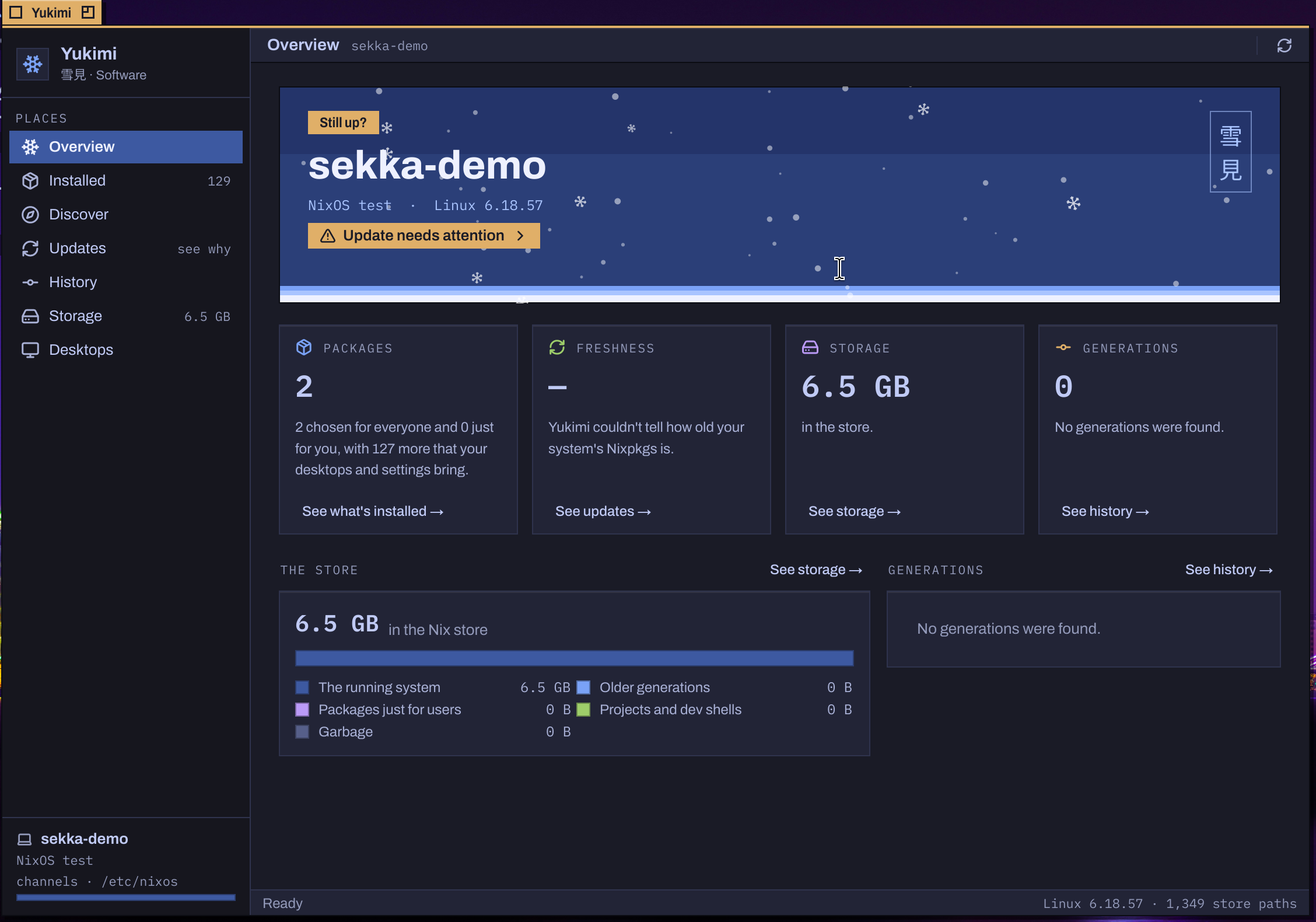
- Overview: the system at a glance, its NixOS version and kernel, how many packages it has, how fresh its Nixpkgs is and how much room the store takes.
- Installed: what's installed and why: chosen for everyone, just for you, or brought by your desktops and settings.
- Discover: find software and install it.
- Updates: Update Sekka in one action. Early updates follows Sekka's
mainbranch as soon as changes are merged. - History: every generation, and going back to one.
- Storage: what fills the store, and removing old generations safely.
- Desktops: which desktops are installed, which starts by default, the login screen and the boot splash. Picking changes nothing; Apply asks, then builds once, and a change that needs a restart offers Restart Now.
Changes you can trust
System changes go through Sekka's privileged helper, after an administrator's password in Aizome's own dialog. The helper refuses any setting the system doesn't declare. Cancelling and refusing are told apart, and a failed change keeps the helper's report.
From a terminal
aizome-yukimi --choose calamares.loginScreen=aizome --early opens Yukimi with that change proposed. Nothing changes until it's confirmed and an administrator's password is entered.
Every Sekka desktop uses this Yukimi; in Aizome its commands use Super. Yukimi on sekka.computer